Claude Code is becoming a well-known workspace for developers. It is simple, fast, and easy to use. Most developers like it because it feels like a coding partner. But the good thing is that Claude Code does not restrict you to Claude models only. You can also use different LLMs inside Claude Code.
In this blog we will discuss how to use a different LLM with Claude Code based on the research of team TechEmplify. Everything here comes from deep research and discussion on different plate forms like Reddit, Quora, Medium and other big forums.
Why Developers Want to Use Other LLMs Inside Claude Code
Developers choose to use other LLMs with Claude Code for these reasons:
- They want cheap options for regular tasks.
- They want to use local models for privacy.
- They want a tool that helps them compare LLM results.
- They like the Claude Code interface, but want other model choices inside one place.
Many users on Reddit also said they use different LLMs inside Claude Code because the UI is clean, the coding experience feels natural, and it lets them focus on the task instead of changing apps.
How Claude Code Supports Model Switching
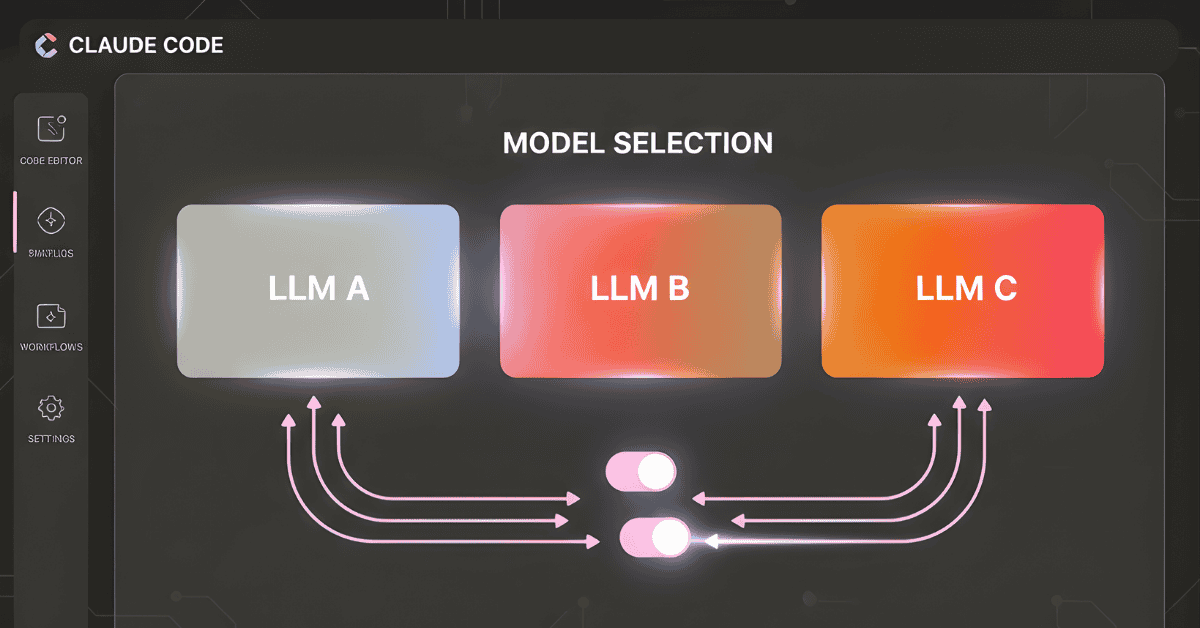
Claude Code allows users to load different models through its Model Configuration settings.
Claude Code supports:
- Claude models
- OpenAI models
- Google models
- DeepSeek
- Grok
- Amazon Bedrock
- Local models
- Custom API models
This makes it easy for developers to plug in any LLM they want.
Using Local Models
A number of developers want to use offline or local models.
Followings are some local LLMs You can connect with:
- Llama
- Qwen
- Phi
- Gemma
- Mistral
Tools also can include:
- Ollama: most developers use it.
- LM Studio: simple for beginners.
Once the local model runs on your computer, you can connect it to Claude Code using:
- A custom endpoint
- An API style server
- A bridge tool like AnyClaude
Using the AnyClaude Tool
AnyClaude is a small extension that lets Claude Code connect with:
- Local models
- Third party LLMs
- Any API supported model
Many Reddit users said this is the easiest way to use other LLMs.
- Install AnyClaude.
- Run it on your machine.
- It creates a local endpoint.
- Add the endpoint in Claude Code’s Model Configuration.
- Select the model you want to use.
That’s it.
Using Other Cloud Models
Claude Code supports cloud based models if you add your API keys:
- OpenAI models
- Google Gemini
- Gemini Flash
- Groq LLMs
- DeepSeek API
- Amazon Bedrock models
You only need to:
- Open Model Configuration.
- Add the API key.
- Select the provider from the dropdown.
- Pick your model.
Now you can use the new LLM right inside Claude Code.
Why Claude Code is Favorite LLM Interface
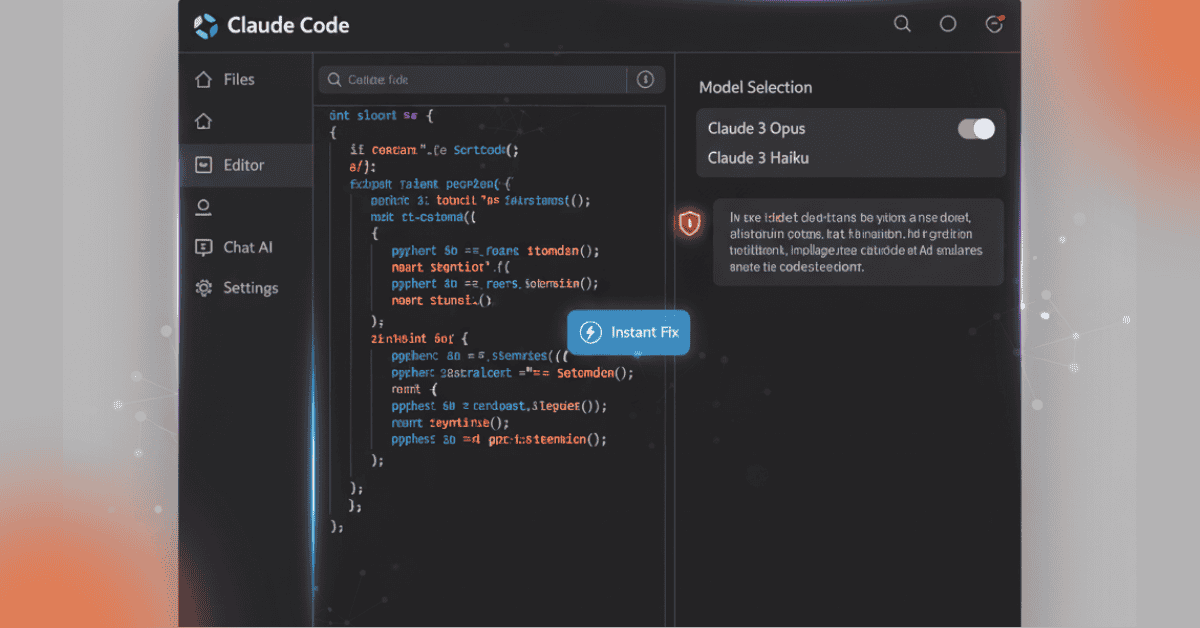
Developers like to use Claude Code because:
- It feels like a full coding workspace.
- Conversation and coding stay together.
- It supports debugging in the same window.
- It remembers the context.
- You do not need multiple tools.
- It reduces changing between terminals and editors.
This is the reason developers want to bring more than one LLMs into Claude Code instead of switching tools.
Community Tips From Reddit
From the Reddit discussion you shared, many users said:
- Start with local models because they are easy to use.
- Use Ollama if you want a quick setup.
- Use AnyClaude if you want everything inside Claude Code.
- Switch models based on the task:
- Claude for reasoning
- GPT-4o for coding
- DeepSeek for cost saving
- Local models for privacy
Most developers mix models inside Claude Code depending on the job.
Using Claude Code as a Domain Specific Coding Agent
From the research there is another powerful use case:
You can turn Claude Code into a specialized coding agent.
You can:
- Give it custom tools
- Connect it to APIs
- Set system instructions
- Customize workflows
This works even if you use a different LLM.
The workflow stays inside Claude Code while the LLM is your choice.
Running Claude Code With Free Local Models
Furthermore here is the the explanation of how to run Claude Code using a free local LLM:
- Start a local model server.
- Point Claude Code to that server.
- Use the local model for coding tasks.
This is suitable for individuals who do not want to purchase cloud credits.
Why This Topic Helps Audit Brand Visibility on LLMs
We already explain with details in our other blog, “how to audit your brand visibility on llms”, explaining how brands appear differently on different LLMs.
This article connects to that idea:
When developers use different LLMs inside Claude Code, they can:
- Test how each model answers
- Compare results
- See how their brand visible
- Recognize visibility on different platforms
Step-by-Step Guide: How to Use a Different LLM With Claude Code
Now we will discuss how to use a different llm with claude code.
Step 1: Choose Which Model You Want
Choose:
- Local model
- Cloud model
- Custom API model
Step 2: Open Model Configuration
In Claude Code:
- Open settings
- Open Model Configuration
Step 3: Add Your API or Endpoint
Based on what you use:
- OpenAI → Add key
- Google Gemini → Add key
- DeepSeek → Add key
- Groq → Add key
- Bedrock → Add key
- Local model → Add endpoint
Step 4: Select the Model
Claude Code will show you:
- The provider
- The model list
- Available versions
Step 5: Start Coding
Now you can:
- Ask coding questions
- Run tasks
- Debug
- Use the workspace normally
Claude Code will call the LLM you selected.
Important Note From the Model Configuration Docs
From the official Claude Code documentation:
Claude Code allows a number of providers at the same time.
This means you can:
- Switch between models
- Test responses
- Use the best model for the task
All inside one interface.
Conclusion
Using a different LLM with Claude Code is easy. Claude Code gives developers a suitable environment where they can mix cloud models, local models, and custom APIs. Developers enjoy this flexibility because it helps them save money, improve coding quality, and build custom workflows.
If your goal is to also audit your brand visibility on LLMs, Claude Code becomes a simple tool for testing how different models answer questions about your brand.
Claude Code offers:
- A clean interface
- Multi-model support
- Local and cloud options
Easy configuration
This makes it one of the best tools for developers who want full control over their LLM experience.